Inside my FREE 7-lesson course
Procreate has a lot of features but I‘ll be focusing on only what’s relevant for you to get up and running for iPad urban sketching. I’ll walk you through the tools and techniques I use every day, like
- some of the most time-saving gesture shortcuts I rely on
- the custom Canvas size I use most of the time, with examples of how versatile they are for printing
- my favorite brushes and how I tweaked them to get them exactly how I like them
- easy ways to mix and create custom color palettes
- the system I use to test and remember the many, many default brushes available
- my layer management tips for beginners
- my file-naming and artwork back-up system for export and archival
- ...with many suggestions and examples for starting your own sketching journey!
… with embedded English subtitles!
I'm ready to start learning Procreate for digital urban sketching.
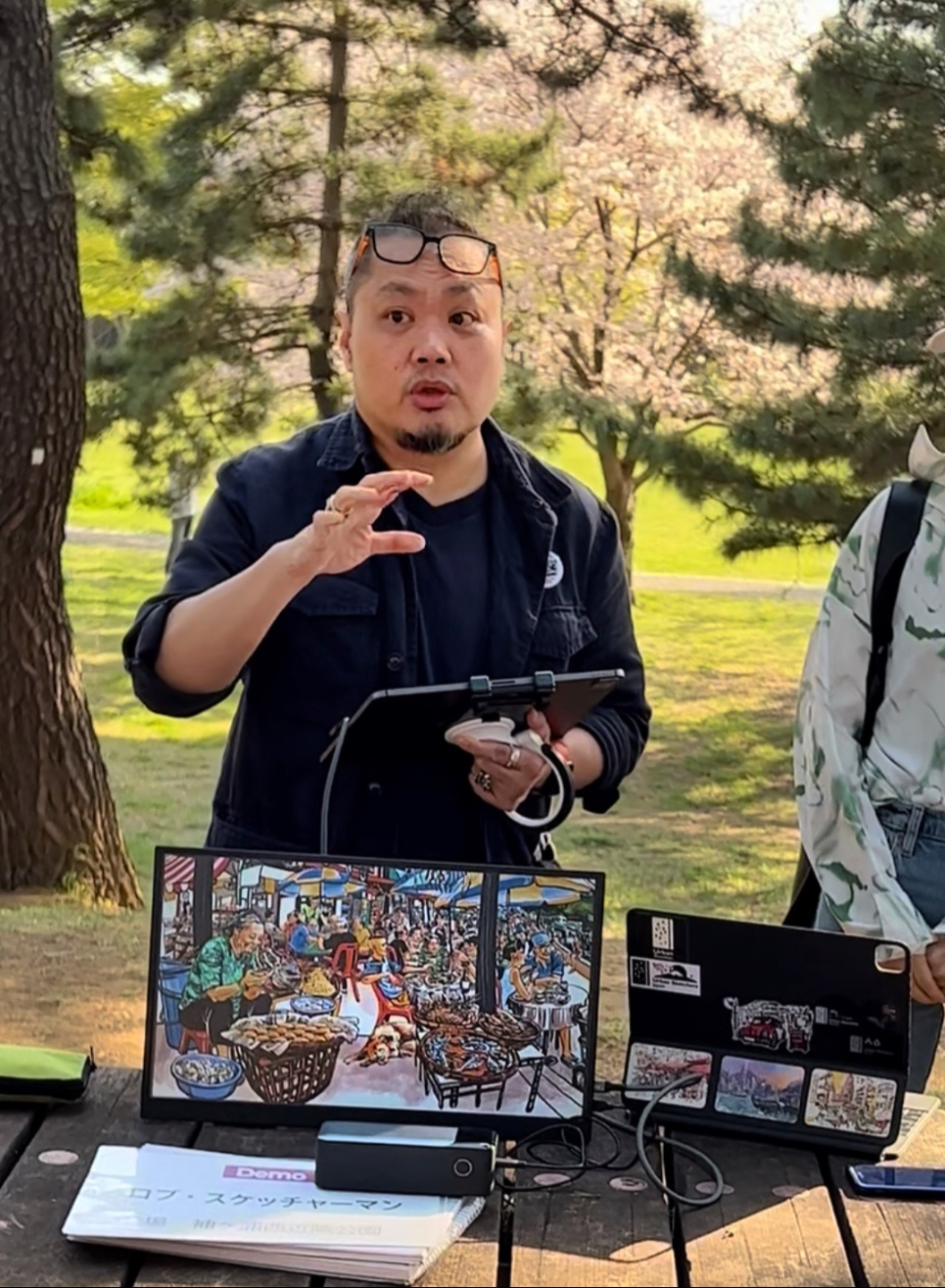
I’m Rob and I‘ve been an iPad urban sketcher since 2013
Digital urban sketching has taken me around the world, teaching workshops at many global sketching festivals, including 7 official Urban Sketcher Symposiums and have taught students from age 6 to 86.
I also ran some of the first in-store iPad sketching workshops for the public at Apple‘s flagship stores in San Francisco, Singapore and Hong Kong.
Some of the clients who have commissioned me to work with them include Apple, Procreate, Bloomberg, EY, KPMG, the W Hotel, Shangri-La Hotels, HSBC, BMW, Fendi, TUMI, Facebook, Moleskine and Turismo Portugal.
I have also trained art teachers to use iPads for visual storytelling at top international schools in Hong Kong, and showed several cohorts various ways to integrate iPad urban sketching and visual storytelling into the nation’s classrooms as a guest instructor for many years at the Singapore Teachers’ Academy for the Arts under the Ministry of Education, Singapore.
Now join me in my FREE course, where I take you through the basics and essentials of Procreate over 7 lessons.